

Plugins incompatible with WPML
Sometimes we find WordPress sites that have been created using plugins for building content, blocks, etc., which are not compatible with site translators like WPML. This is not a problem while the site is in a single language, but if we need to expand languages, it becomes a complicated situation, at least in terms of time cost.
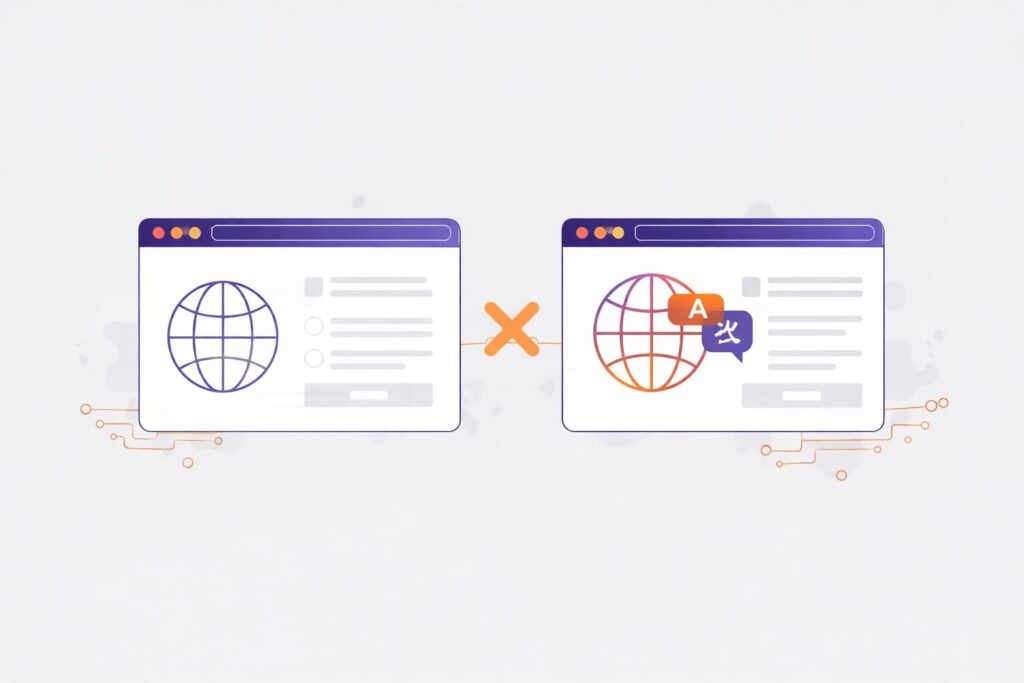
There are three solutions, but they do not always all work.
- Simple and quick solution as presented in this post.
- Redo the site with plugins that are compatible with WPML
- Make the site MultiSite and use MultilingualPress
1. Simple and quick solution
We present it below: if plugins are being used to develop a WordPress solution that are not compatible with WPML, for example PODS, an interesting solution is to duplicate the same post or content type, which was created with elements from the incompatible plugin, and use each version for each language configured on our site, differentiating each post with a nomenclature, for example using the diminutive (_en, _es, _fr) in the slug or (-EN, -ES, -FR) in the post name.
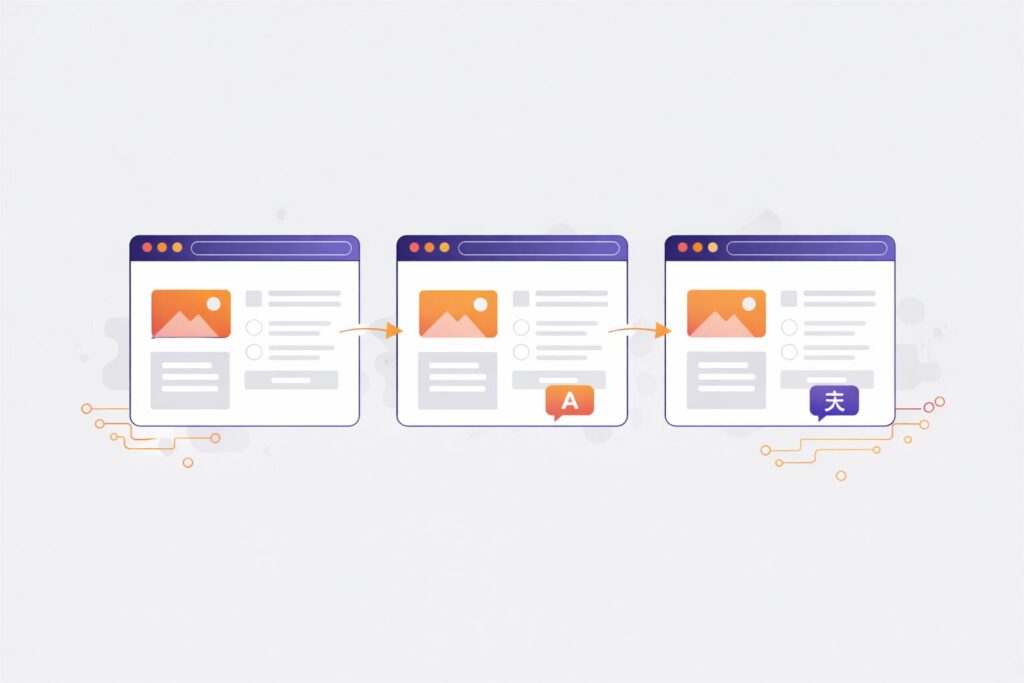
So that WordPress can later distinguish which of those blocks or content belongs to which specific language, we use the constant ICL_LANGUAGE_CODE, defined by WPML, which can be used as part of our theme to call the content of one post or another depending on the current language being used on our site, stored in the aforementioned constant.
For example:
1<?php if (ICL_LANGUAGE_CODE == 'en') { ?>
…calls the content in English
1<?php } else { ?>
…calls the content in a language other than English
1<?php }?>
2. Redo the site with plugins compatible with WPML
This solution takes more time: the site must be reviewed to see where this plugin is being used, for which blocks and content, and redo the work. It’s like a refactoring, which may take more or less time, but will always involve a significant amount of time, possibly approaching the total web development time, especially if the person creating the site has to use a plugin they are unfamiliar with, since they probably used the incompatible plugin because they were familiar with it. In the new development, the learning curve must be added to the development time.
3. Make the site MultiSite and use MultilingualPress
This solution is good but can cause problems, since sometimes a Multisite installation can become complicated or almost impossible, especially if the site is complex, has passed through several hands, and translation plugins are already installed. However, if possible, it is an intermediate, quick, and solid solution.
In a logical development process, assuming we do not have unlimited time, we could advise installing Multisite in WordPress and Multilingual, and if it becomes complicated, use the simple and quick solution presented. Ideally,
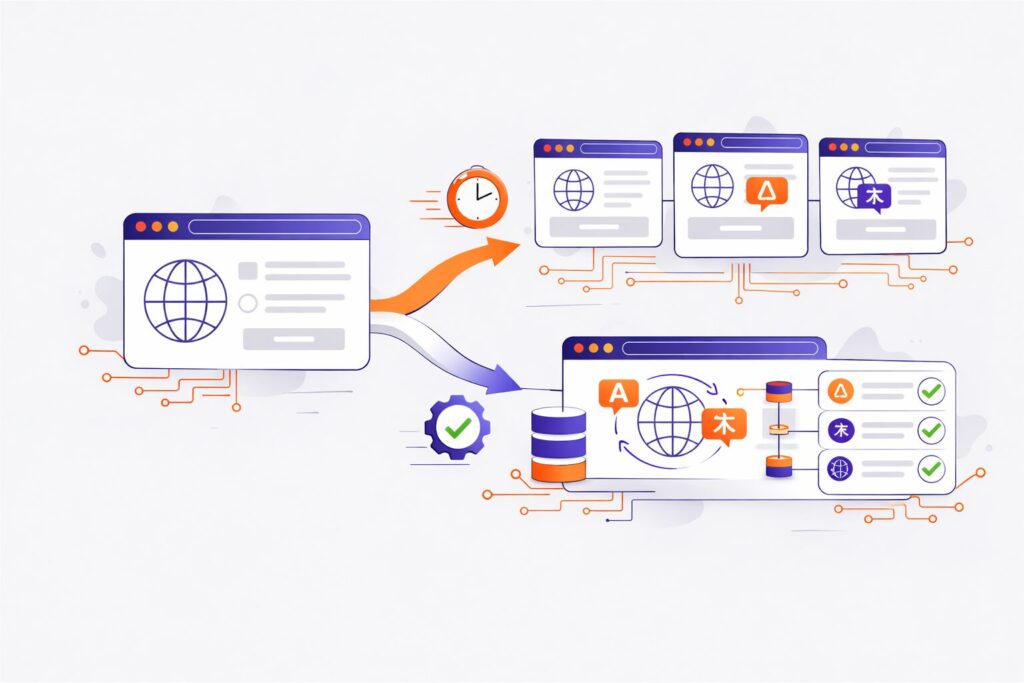
With all the time in the world, refactoring the website to plugins compatible with WPML is the ideal solution.